Costco Shoppers Reveal What Receipt Codes Really Mean and How to Find the Best In-Store Deals
Loyal shoppers reveal what those numbers mean—and which one signals the deal of a lifetime!

There aren’t many fan bases quite as dedicated as Costco’s, so it makes sense that loyal shoppers have cracked the store’s codes over the years—specifically, those involving their pricing and inventory. Recently, shoppers have been discussing the meaning of the numbers at the end of a price, what certain symbols represent and what specific tags indicate. In a post circulating on Reddit, many Costco regulars have weighed in on these Costco codes. Here, we break them all down—and share some expert insight that people have gathered over their years of shopping at the iconic warehouse.

Breaking down the Costco pricing codes
According to Reddit users, the system is pretty straightforward—so allow us to lay it all out for you so you know exactly what to look for the next time you embark on your Costco run!
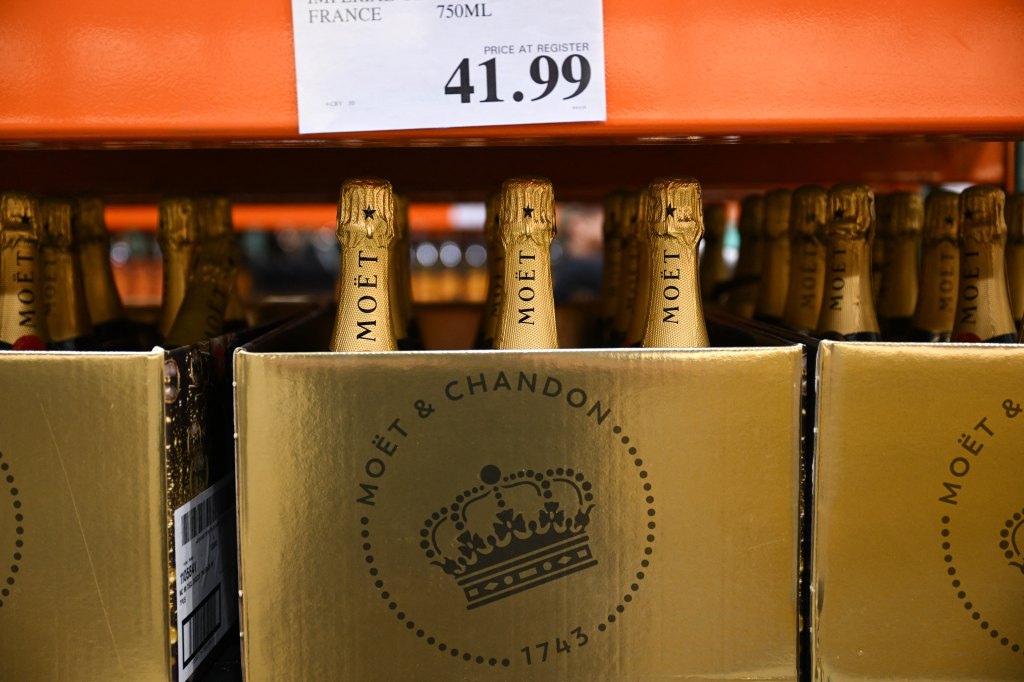
If a price ends in .99…you’re going to be paying the full, standard price for the item.
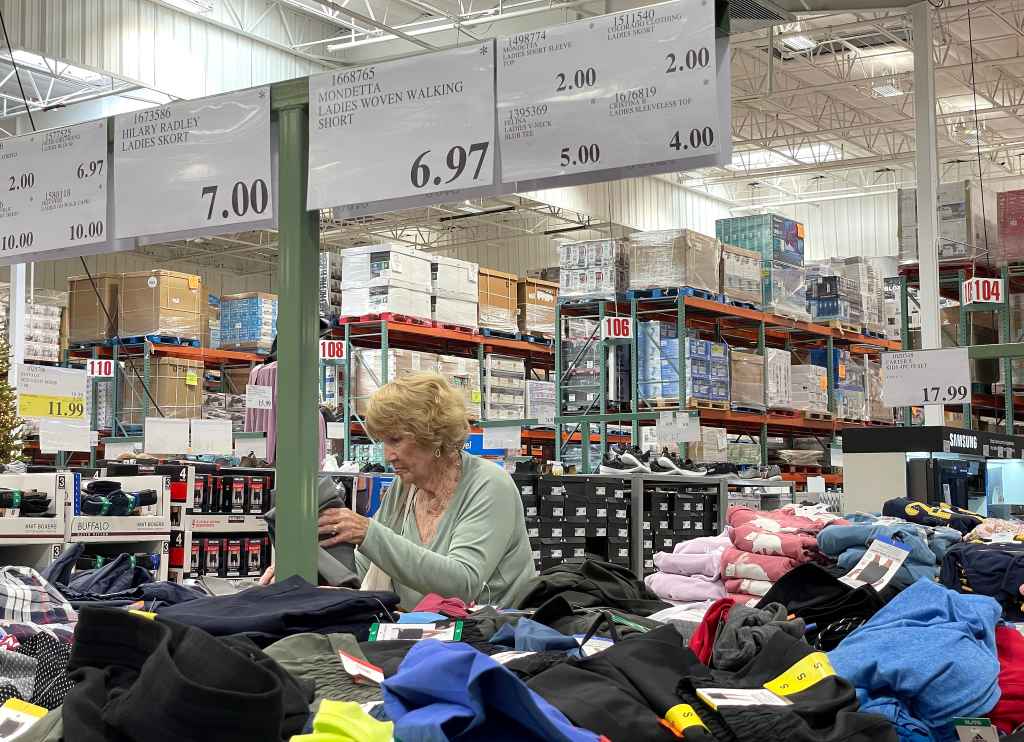
If a price ends in .97…you’ve got yourself a deal! If an item is priced at $35.97, for example, it’s on sale and indicates a corporate markdown. According to one Reddit user, “Sometimes these are warehouse specific, or can affect multiple warehouses, or even all warehouses in one region, but just because an item is marked down at one warehouse does not necessarily mean it will be marked down at another warehouse.” The general Reddit consensus is that these markdowns occur when management is trying to clear out space for some newer items. The more you know!
If a price ends in .00…you better act quickly! These items are likely the best price they’ll ever be. The Reddit post indicates that items priced this way are store-specific sales and include items that have low stock. Additionally, another user shared that sometimes this pricing is used for “discounted display models or unopened returns,” with another weighing in, “The last .00 item we walked away from we regretted once we got home.” Sometimes, these discounts will also end with .88.

If a price ends in .X9…you’re in for a deal, but it isn’t through Costco. Items that end in any number other than .99—for example, .49 or .59—have been discounted through the manufacturer.
Costco symbols mean something as well
In addition to these numbers indicating a sale or discount, there are also a few specific symbols and markers that show shoppers information about the item they’re buying. One of the most commonly talked about markers is the asterisk—or the “Death Star,” as some shoppers might call it. If you see this star next to an item, you’ll want to stock up. The asterisk indicates that the item is seasonal, being discontinued or not being restocked. However, one user noted that some items with an asterisk might still come back at a later date.
Now that you’ve cracked the Costco code, you’re officially an insider! On your next shopping trip, keep your eyes peeled for those magical .97 and .00 endings, and don’t forget to check for that asterisk before you leave an item behind. With these codes in your back pocket, you’ll shop smarter, save more and never miss out on an amazing deal again. Happy hunting!
Conversation
All comments are subject to our Community Guidelines. Woman's World does not endorse the opinions and views shared by our readers in our comment sections. Our comments section is a place where readers can engage in healthy, productive, lively, and respectful discussions. Offensive language, hate speech, personal attacks, and/or defamatory statements are not permitted. Advertising or spam is also prohibited.